

Link your email
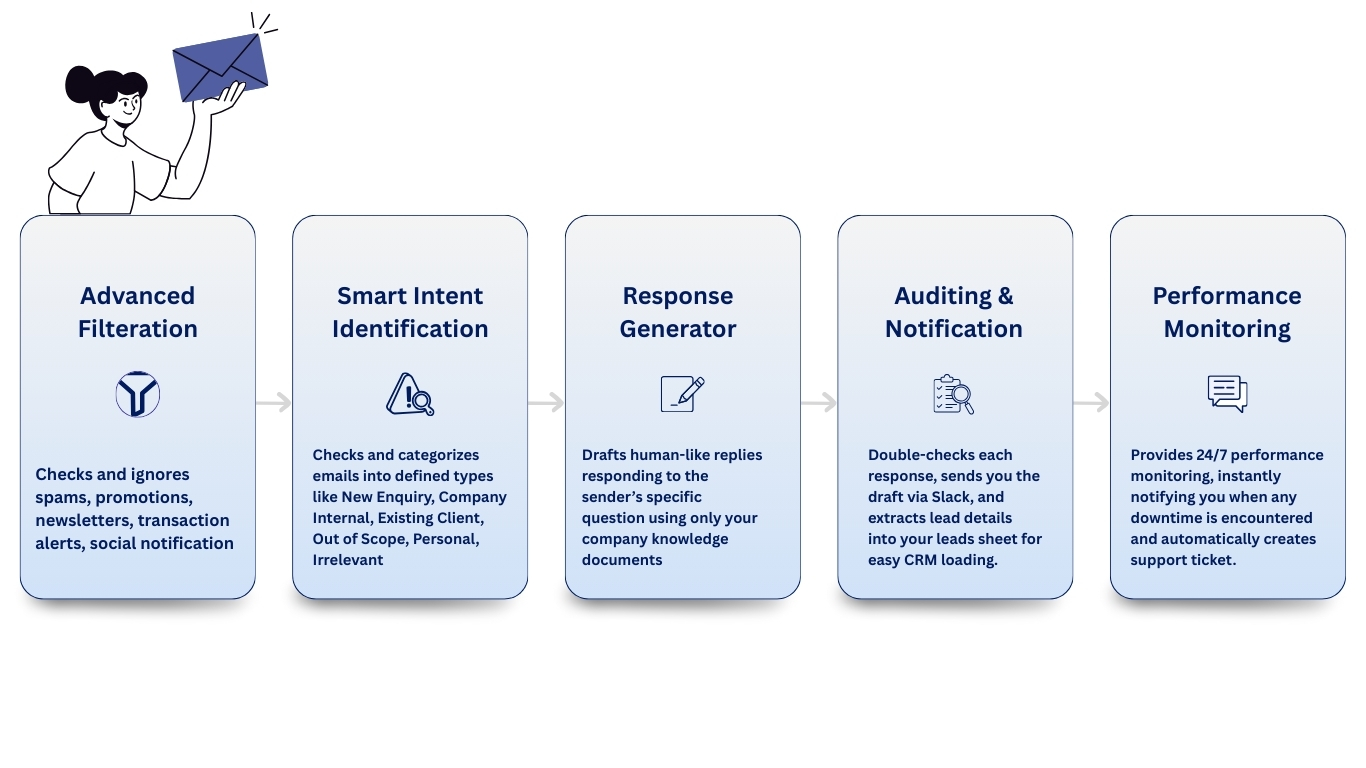
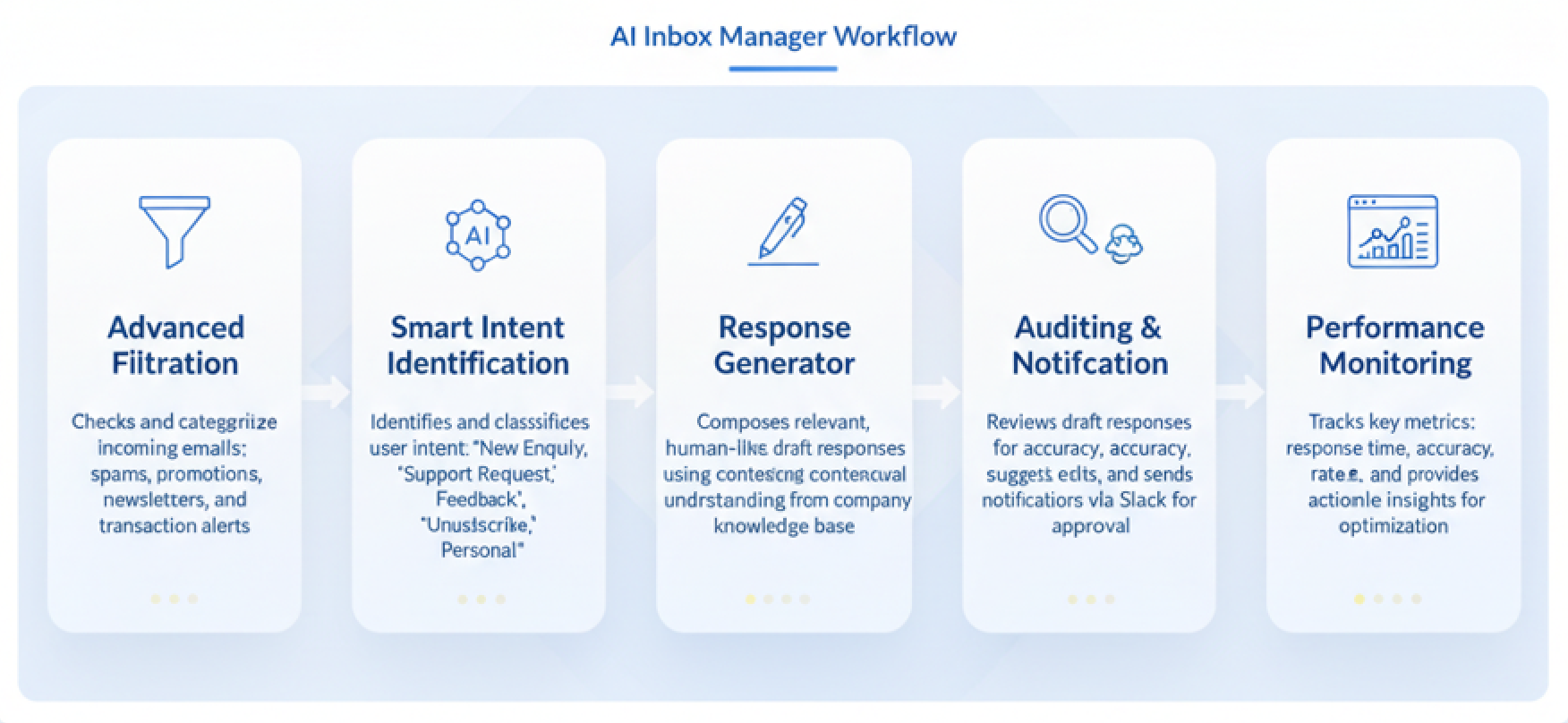
Connect seamlessly to Gmail, Outlook, or any custom domain. The Inbox Manager reads and replies using exactly the email address you choose
Train with your data
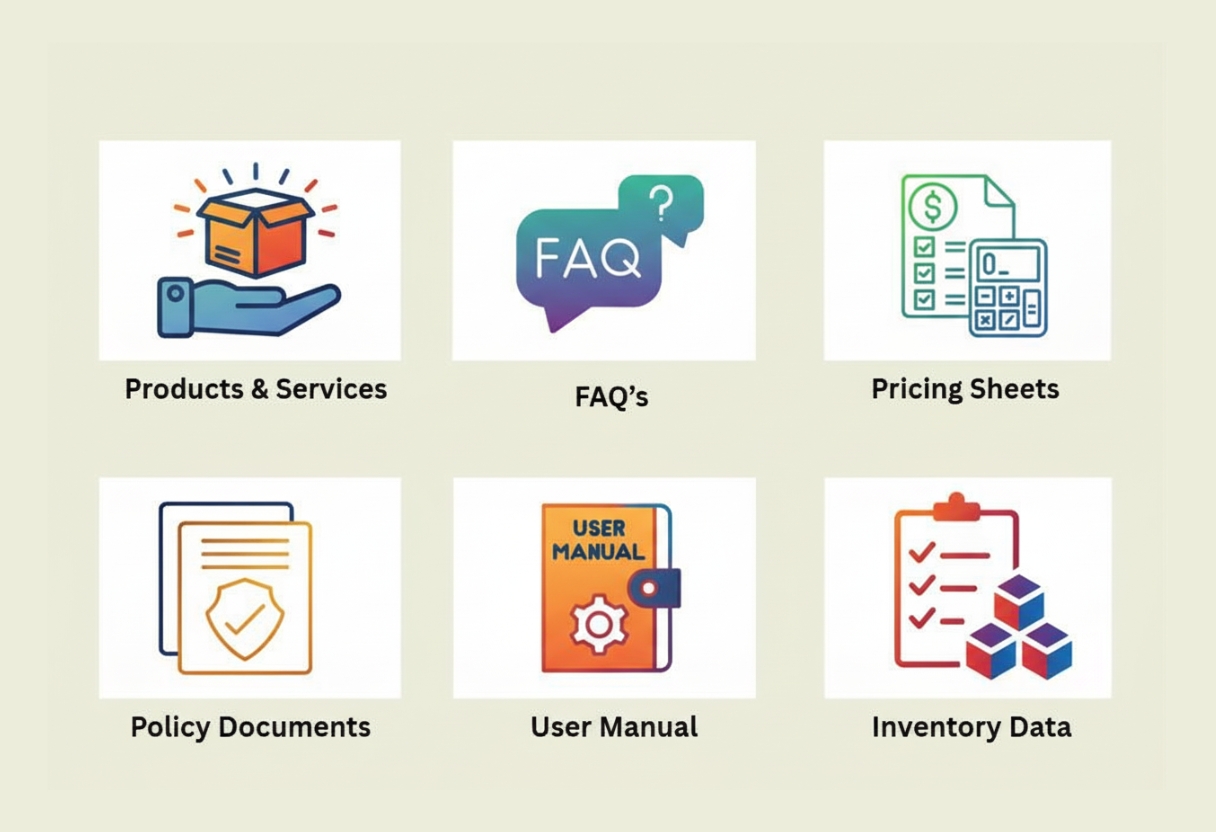
Upload your company’s unique knowledge base, including FAQs, pricing sheets, and service manuals. The AI learns your specific business data to respond accurately.
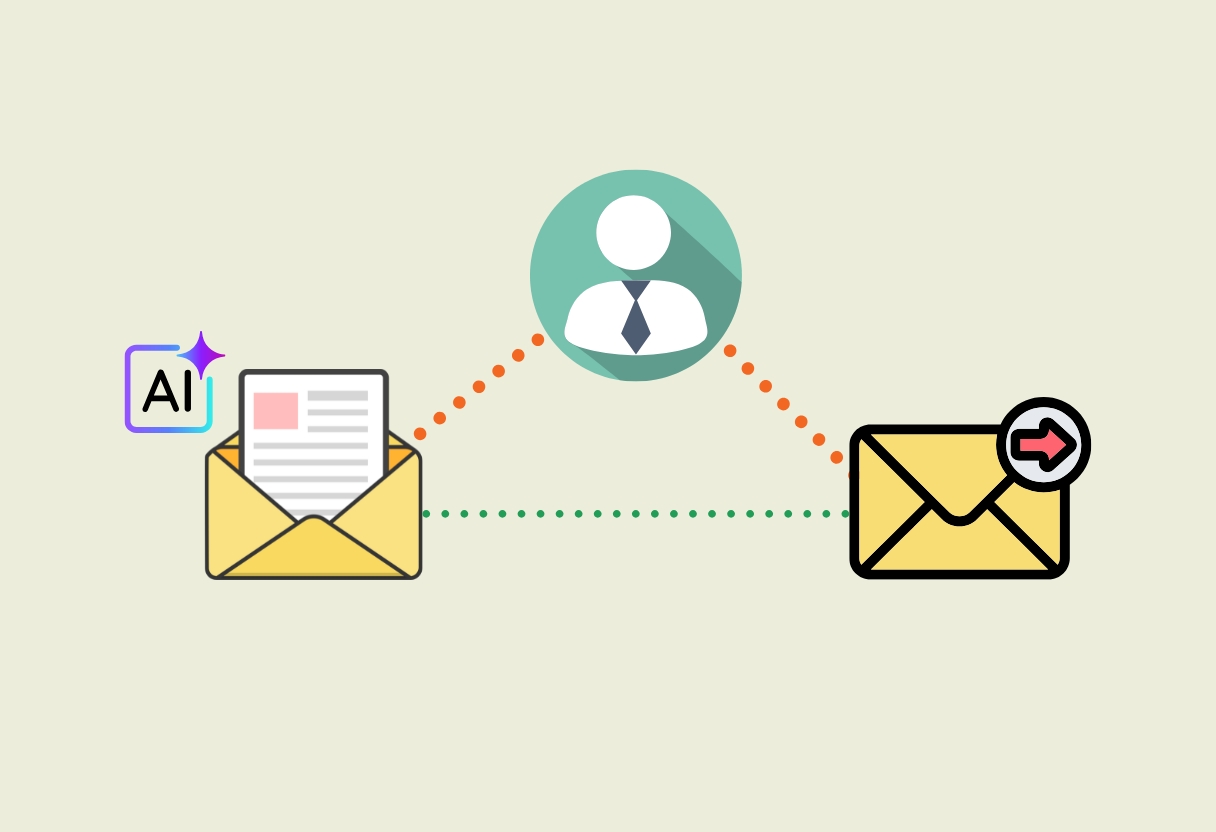
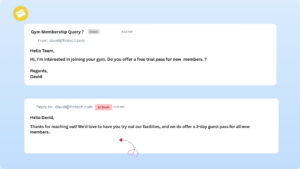
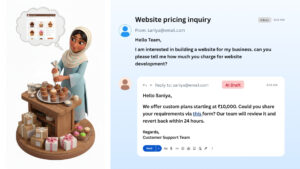
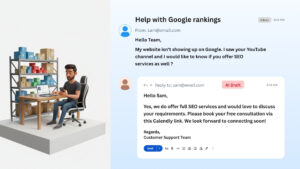
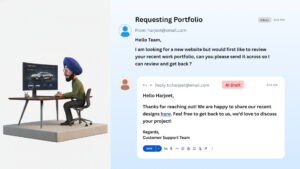
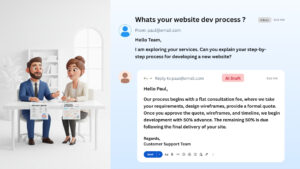
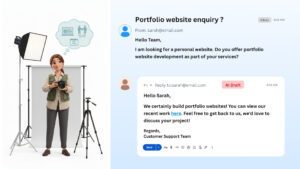
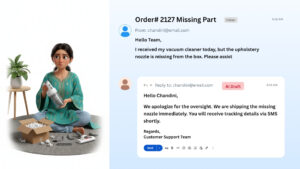
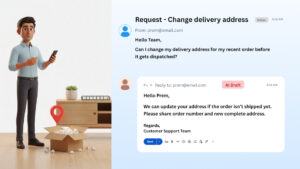
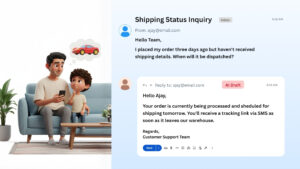
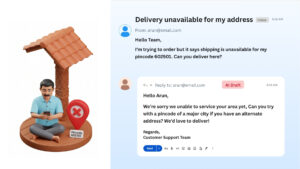
Watch the AI draft replies
Choose between full automation or human oversight: let the AI send replies instantly, or review and send every draft yourself

Enhance user experience with Advanced Tabs, allowing seamless content navigation. Organize information efficiently while keeping the interface clean and interactive. Perfect for FAQs, product details, or multi-section content.
Enhance user experience with Advanced Tabs, allowing seamless content navigation. Organize information efficiently while keeping the interface clean and interactive. Perfect for FAQs, product details, or multi-section content.

Enhance user experience with Advanced Tabs, allowing seamless content navigation. Organize information efficiently while keeping the interface clean and interactive. Perfect for FAQs, product details, or multi-section content.
Enhance user experience with Advanced Tabs, allowing seamless content navigation. Organize information efficiently while keeping the interface clean and interactive. Perfect for FAQs, product details, or multi-section content.



Enhance user experience with Advanced Tabs, allowing seamless content navigation. Organize information efficiently while keeping the interface clean and interactive. Perfect for FAQs, product details, or multi-section content.
Enhance user experience with Advanced Tabs, allowing seamless content navigation. Organize information efficiently while keeping the interface clean and interactive. Perfect for FAQs, product details, or multi-section content.







Enhance user experience with Advanced Tabs, allowing seamless content navigation. Organize information efficiently while keeping the interface clean and interactive. Perfect for FAQs, product details, or multi-section content.
Enhance user experience with Advanced Tabs, allowing seamless content navigation. Organize information efficiently while keeping the interface clean and interactive. Perfect for FAQs, product details, or multi-section content.
Enhance user experience with Advanced Tabs, allowing seamless content navigation. Organize information efficiently while keeping the interface clean and interactive. Perfect for FAQs, product details, or multi-section content.
Enhance user experience with Advanced Tabs, allowing seamless content navigation. Organize information efficiently while keeping the interface clean and interactive. Perfect for FAQs, product details, or multi-section content.